 Polly3D Documentation
Getting started
Studio and After Effects together
How the editor and the plugin share a scene, who controls what, and the daily workflow.
One scene, two places#
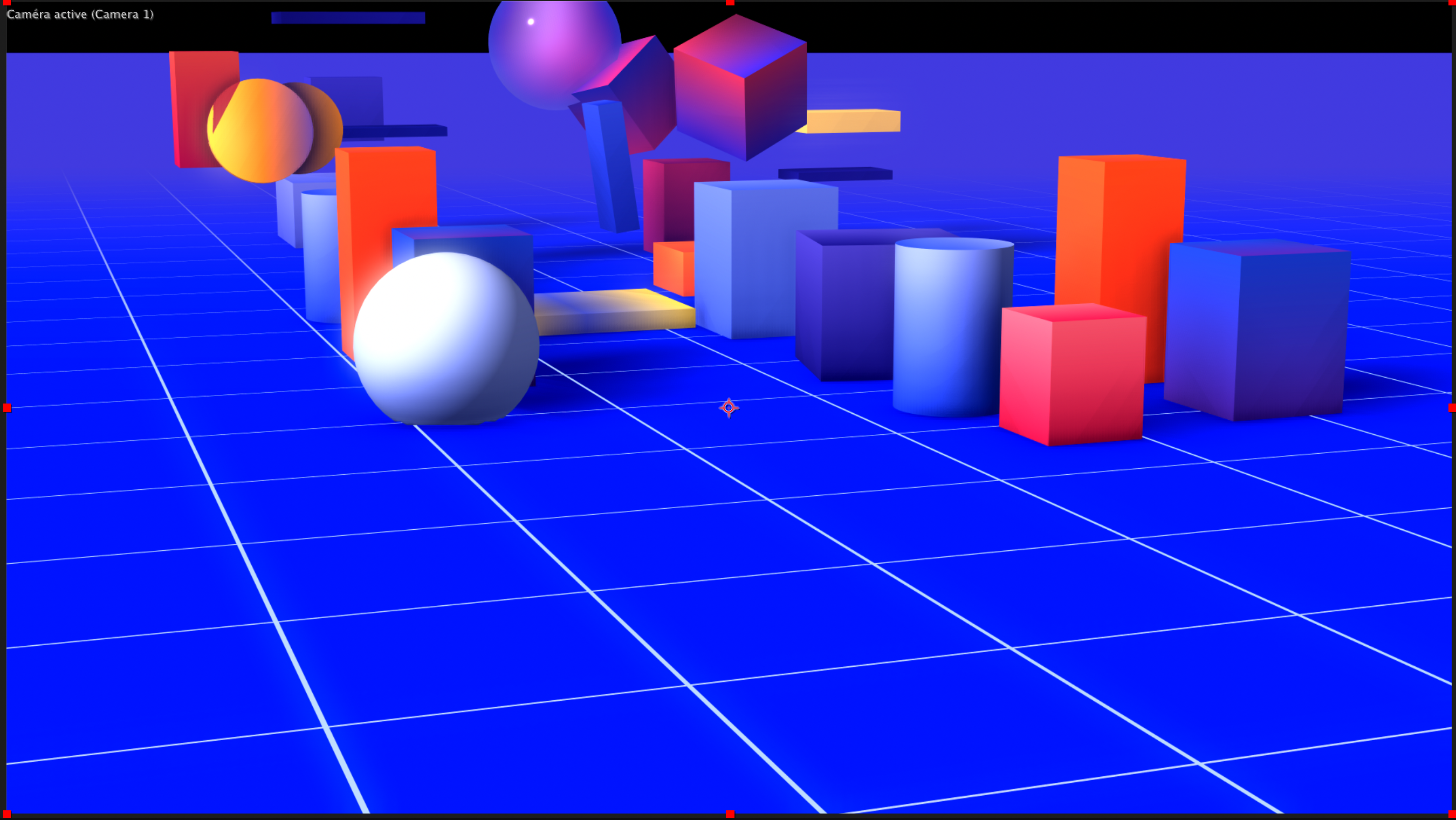
A .polly file contains the whole scene: objects, materials, lights, animation, scene settings. Studio edits it; the effect displays it. Neither has a private copy of the engine settings: both call the same renderer.
| You do this in Studio | You do this in After Effects |
|---|---|
| Build objects, materials, lights | Place and animate the camera (3D camera of the composition) |
| Set sky, fog, bloom and other scene settings | Add lights (composition lights are added on top of the scene's lights) |
| Animate with keyframes and drivers | Animate Aux channels (nulls), Connectors (sliders), Time Offset |
| Choose which Aux channel / Connector an object or value is linked to | Provide Custom Textures (textures) and Custom Texts (3D text) |
| Save | Choose the scene file, composite, render |
The daily loop#
- In After Effects, apply Polly3D to a layer and load the scene (Load Scene…).
- Click Scene Setup in the Scene Interface group to open the scene in Studio.
- Edit in Studio, press ⌘ S. The effect refreshes by itself; there is no need to reload the scene.
- Do the camera, the lights, the timing and the links in After Effects.
Studio previews After Effects data#
When you open a scene from Scene Setup, Studio can read what After Effects publishes for that scene:
- the Custom Textures (textures) that your materials display, including their After Effects layer names in the texture menus;
- the Custom Texts that 3D text objects extrude, shown live in the viewport.
So you can adjust bevels and materials on a text while it follows the text layer's content and styling.
Pasting paths from After Effects#
Select a mask path or a shape path in After Effects, copy it, switch to Studio and use Edit > Paste After Effects path (⌘ ⌥ V) or Paste After Effects shape (⌘ ⌥ ⇧ V). Studio reads the selection through After Effects. See Shapes and paths.
Files and links#
- A scene stores the path of imported models and linked textures, not copies. Keep them where they are, or re-link.
- Renaming a scene file is just renaming the file. The effect follows the rename when the old file no longer exists; if it does not, click Load Scene… again.
- Scenes saved by Studio embed gradients, matcap images and HDR panoramas you loaded, so those travel with the file.