 Polly3D Documentation
After Effects plugin
The Polly3D effect
What the After Effects effect does, how to apply it, and the map of its parameter groups.
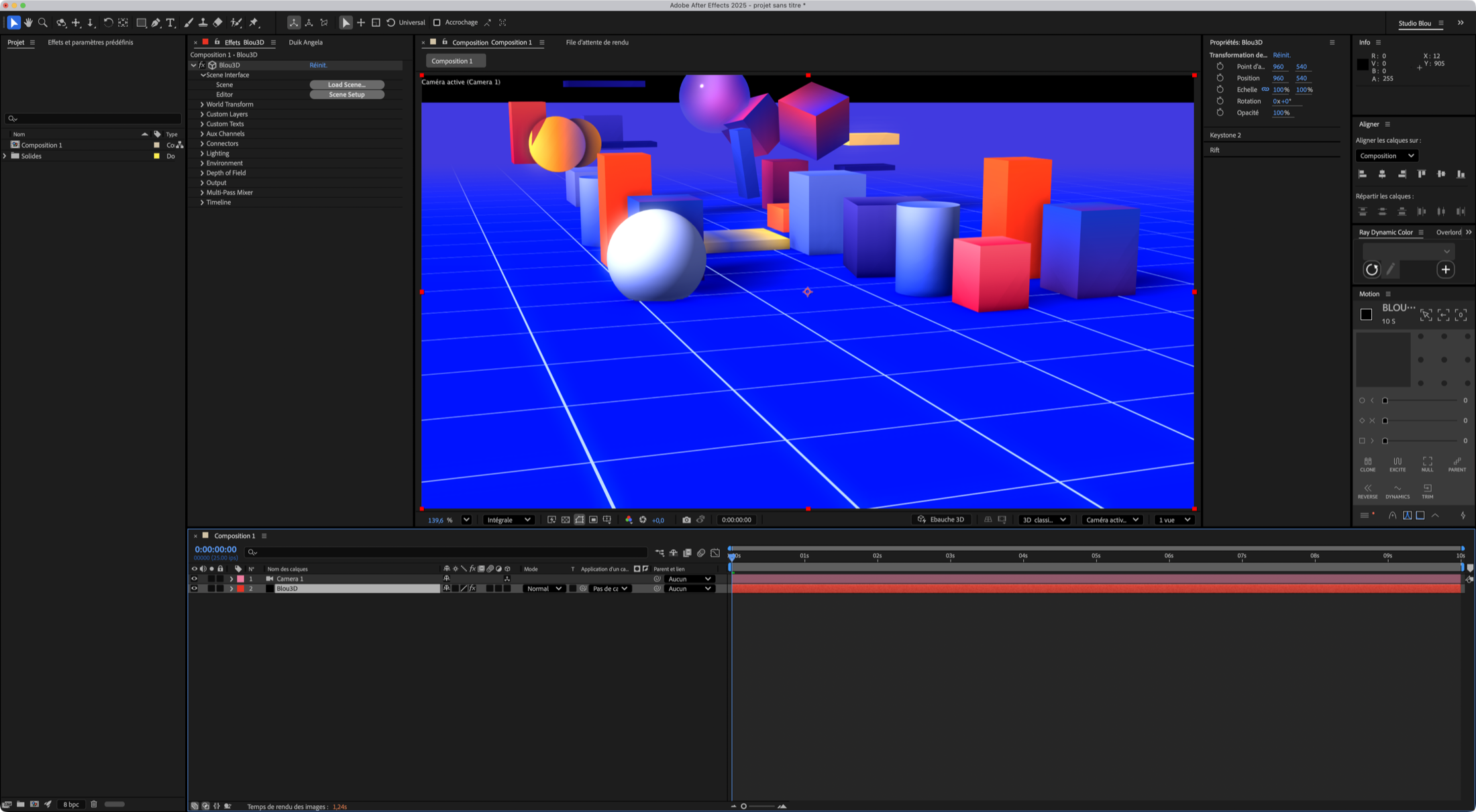
The Polly3D effect displays a Polly3D scene (.polly) on a layer of an After Effects composition. It uses the same render engine as Studio, the 3D camera of the composition and its 3D lights, and exposes parameters so that After Effects can drive the scene.
Menu: Effect > Polly3D > Polly3D (match name POLLY Polly3D).
Applying the effect#
- Add a layer to host the effect (a Solid the size of the composition is the usual choice) and apply Effect > Polly3D > Polly3D.
- Click Load Scene… in the Scene Interface group and choose a
.pollyfile. If you saved a scene from Studio while the effect had no scene, the effect adopts that scene by itself. - Add a camera to the composition. The scene is seen through it.
- Click Scene Setup to open the scene in Studio.
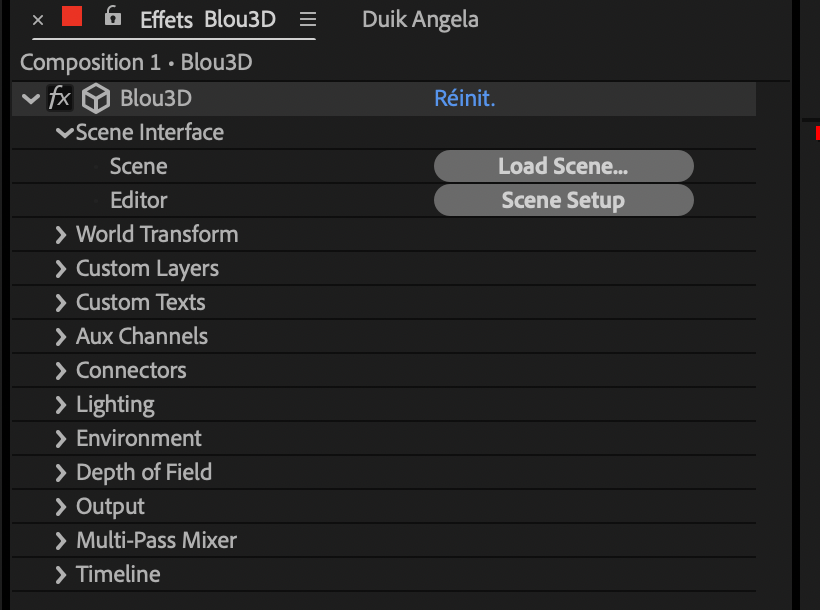
All the parameter groups start collapsed, except Scene Interface.
What the effect adds to your composition#
| Feature | How |
|---|---|
| The scene appears on the layer | The effect renders the scene's geometry, materials, lights, sky and post-processing |
| After Effects camera | The effect follows the active 3D camera of the comp, including its animation, zoom and depth of field settings |
| After Effects lights | Lights of the composition are added to the scene's own lights |
| Move the whole scene | World Transform, with a null: see Plugin parameters |
| Move individual objects | Aux channels: bind an object in Studio, create a null in After Effects |
| Animate any value | Connectors: 16 sliders |
| Show After Effects layers in materials | Custom Textures: 8 texture slots |
| 3D text | Custom Texts: 10 text layer slots |
| Glass that sees the footage under it | Layers Below Interact in Output modes |
The parameter groups#
| Group | Purpose |
|---|---|
| Scene Interface | Load a scene, open the editor |
| World Transform | Position, scale, rotate the whole scene; unit size |
| Aux Channels | 8 channels to drive objects, and the Cloner / effector sliders |
| Connectors | 16 free sliders linked to values in Studio |
| Lighting | Balance of scene ambient, scene lights and After Effects lights |
| Environment | Intensity, rotation and override of the sky |
| Depth of Field | Camera-based blur |
| Custom Textures | 8 After Effects layers usable as textures |
| Custom Texts | 10 After Effects text layers to extrude |
| Output | Compositing mode, adjustment-layer mode, camera cut-off, depth matte and the Multi-Pass Mixer (mix of the lighting passes) |
| Timeline | Play, offset and speed of the scene clock |
Each parameter is described in Plugin parameters.
Good to know#
- Saving in Studio refreshes every Polly3D effect that uses the scene, in any open project. When After Effects is busy rendering, the refresh waits until it is free.
- The effect supports multi-frame (threaded) rendering.
- Everything that is a property of the scene (materials, objects, sky, post effects, quality) is edited in Studio, not in the effect. The effect only exposes what After Effects must control.